Same issue.

We are also facing the same issues Unknown tag ‘schema‘, plz inform if someone found the solution!
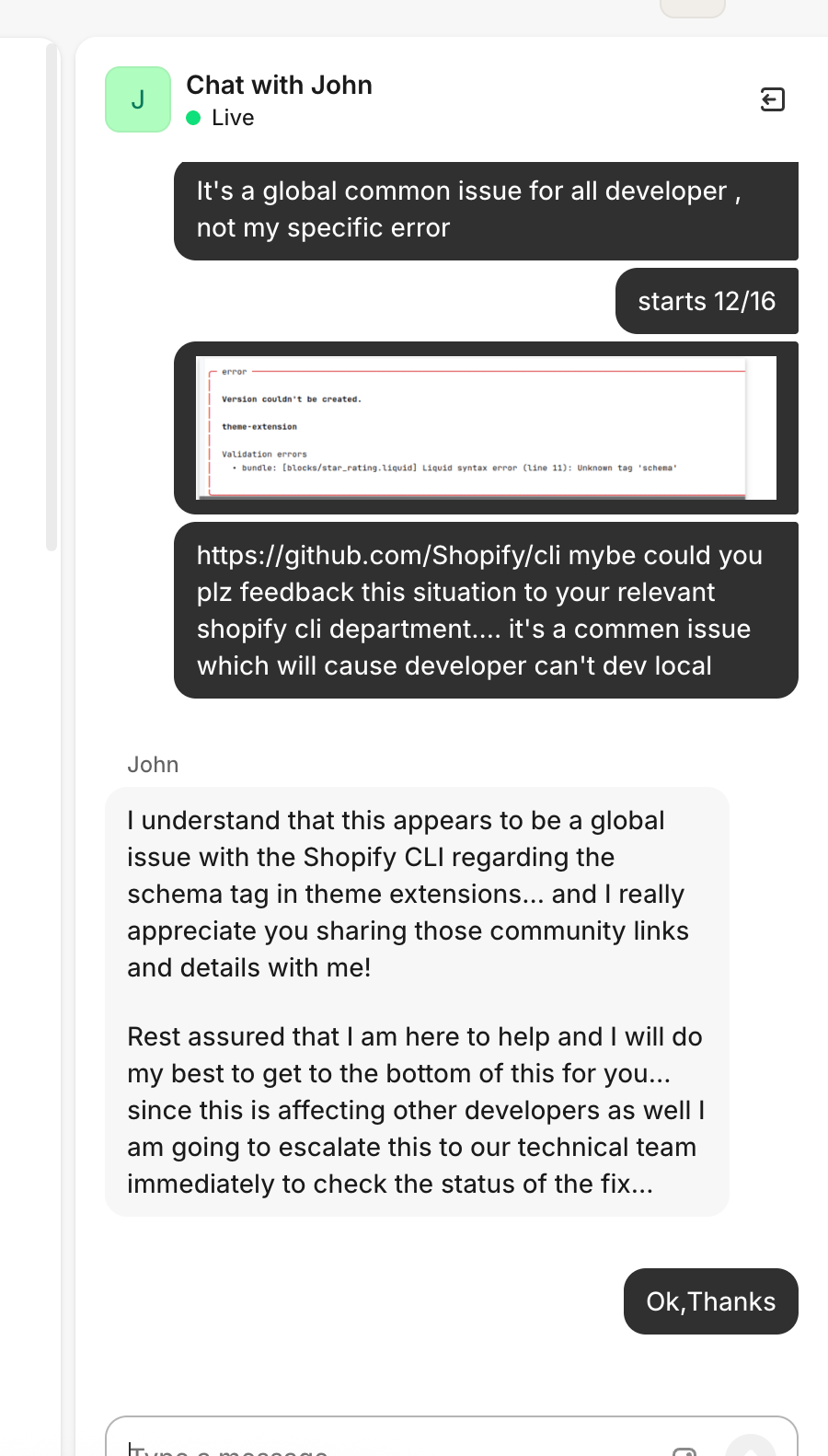
I wrote to Shopify chat to inform for the issue, lets hope they will fix, please also do the same.
Everyone is facing the same issue with any of the CLI versions, and me too. But i can not use @Harry_Pagefly solution


try remove all liquid file in the blocks folder then start your app, after the app start succesfully, you can revert your delete
Try @Harry_Pagefly solution, that works for me.

encountered the same while running shopify app deploy
Reported to the support team, let’s make noise together
Get up and fix the bug right away!
@Zenith_Chizy good suggestion. Thank you!
Same issue! I got error in theme extension deploy
But this doesn’t solve the underlying issue. The error will still occur after restarting the app, and the theme extensions won’t update.
What do you mean?
In my case, got error in theme extension’s blocks folder’s liquid.
If I delete liquid, how can I revert this?
this is only helpful when you want to start the app, not to deploy.
This is only the workaround for who want to start the app. For the main reason and solution, we need to wait for the Shopify announcement.

I’m getting this error. I tried these below solutions but still I’m getting this same issue
1- I downgrade the Shopify version
2- I create the separate the JSON file for the schema but still it’s coming.
3- I restart the machine and the server and also login/logout again.
This is a Shopify error, so the best thing to do is wait; don’t modify your environment, it will only waste your time.
If your priority isn’t deploying app extensions, you can temporarily remove them.