So we’re working with a client who currently does not use Shopify POS but wants their POS orders imported into Shopify to provide customers with their purchase history and also to be able to use Shopify reporting for all sales.
However it looks like POS reports in Shopify rely on POS Location ID and POS Location Name fields which are directly connected to Shopify POS only.
There does not appear to be a simple way to create a report for each Order Location.
Any ideas?
Hey @Evaldas_Raisutis
Some of those reports do require the use of Shopify POS.
Have you checked to see if it would work to build custom reports for the data they need, and scope it to the specific location they are using for their Point of sale orders?
You could segment your reports by channel (ie the app that will be importing the POS orders).
Hi Kyle,
I couldn’t make a custom report for sales grouped by fulfilment location - doesn’t seem to be an option in the reports from what I can tell 
So similarly, if a business simple had multiple warehouses, it doesn’t seem to be possible to report sales per warehouse (though that may be less realistic use case).
The app imports orders for 40+ locations.
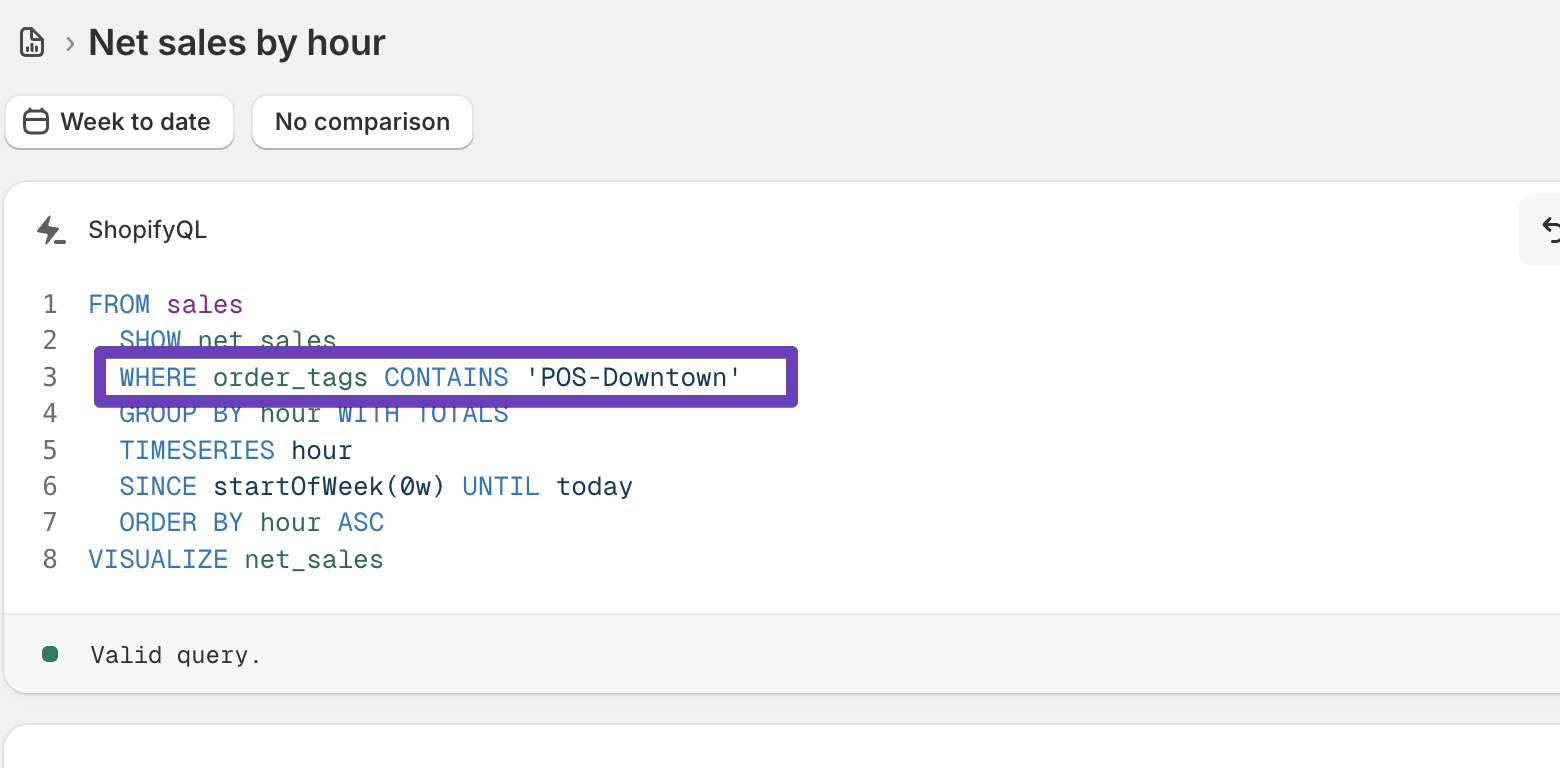
Thanks for sharing that. Testing further here, adding order tags when you import could be one way to do that. Here’s an example of orders I imported with tags
Hi Kyle. This allows creation of 1 report per location and we can do that yes. But the client actually wants a report of sales per location and summarizing per tag won’t work due to the variety of tags available.
Would it be a lot of work to add a location dimension to the sales report? That would be awesome 
I agree, adding a locationid dimension would be useful. Passing that on to the team.