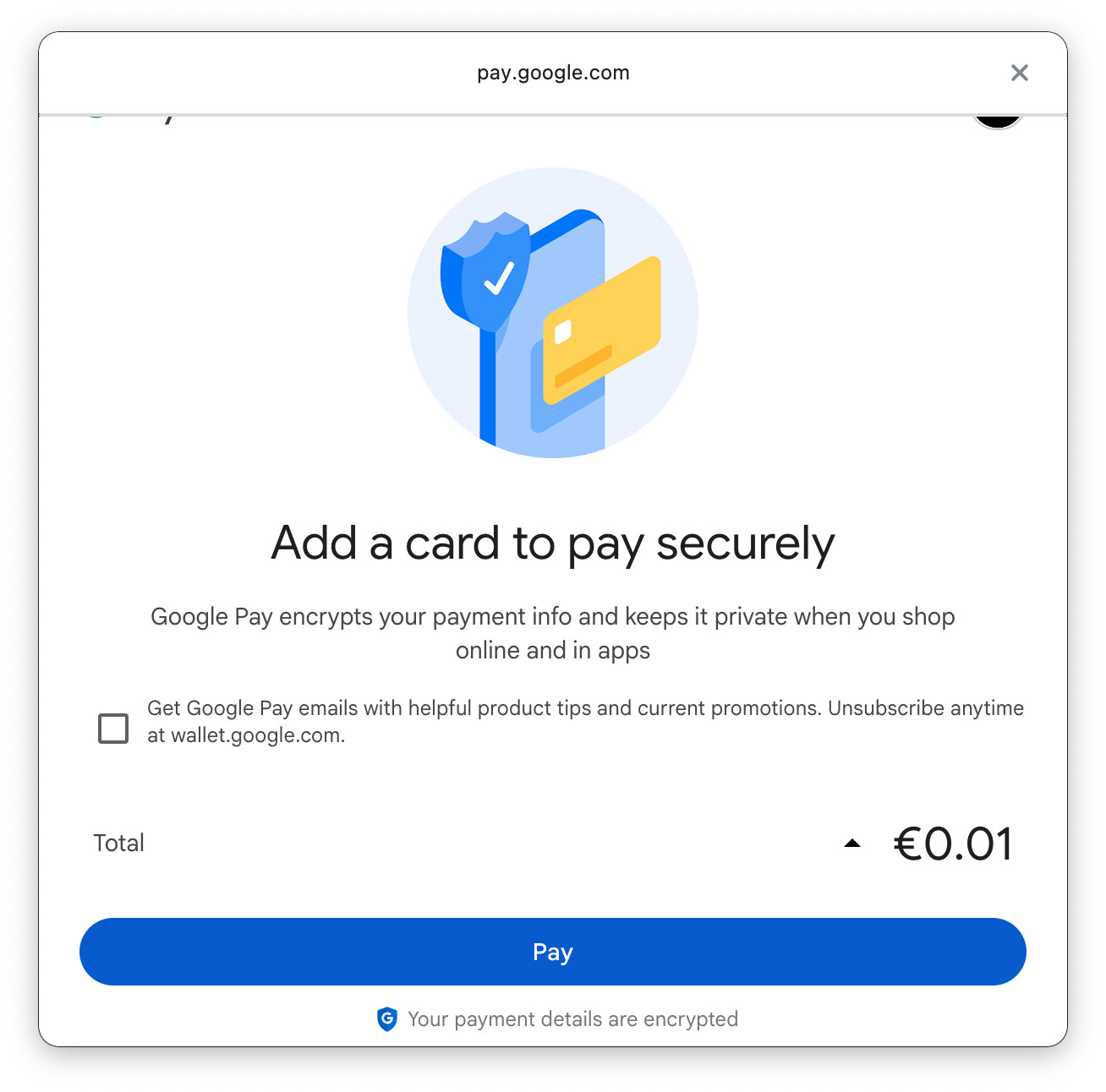
When using accelerated checkout buttons such as Google Pay or PayPal from the product page, the product price is not captured correctly. Instead of the actual price, the checkout displays a price of $0.01.
Steps to Reproduce:
- Go to a product page on the live website.
- Click on the
Google PayorPayPalaccelerated checkout button. If there isn’t one visible use:?shopify-debug=true&show=Google - Observe the price displayed in the checkout.
Expected Behavior:
The checkout should reflect the correct product price as displayed on the product page.
Actual Behavior:
The product price is incorrectly shown as $0.01 during checkout.
Additional Info:
- Tested on 3 different themes/websites
- This issue occurs only when the checkout is triggered from the product page
- When using the standard checkout or initiating GPay/PayPal from the checkout page, the correct price is captured