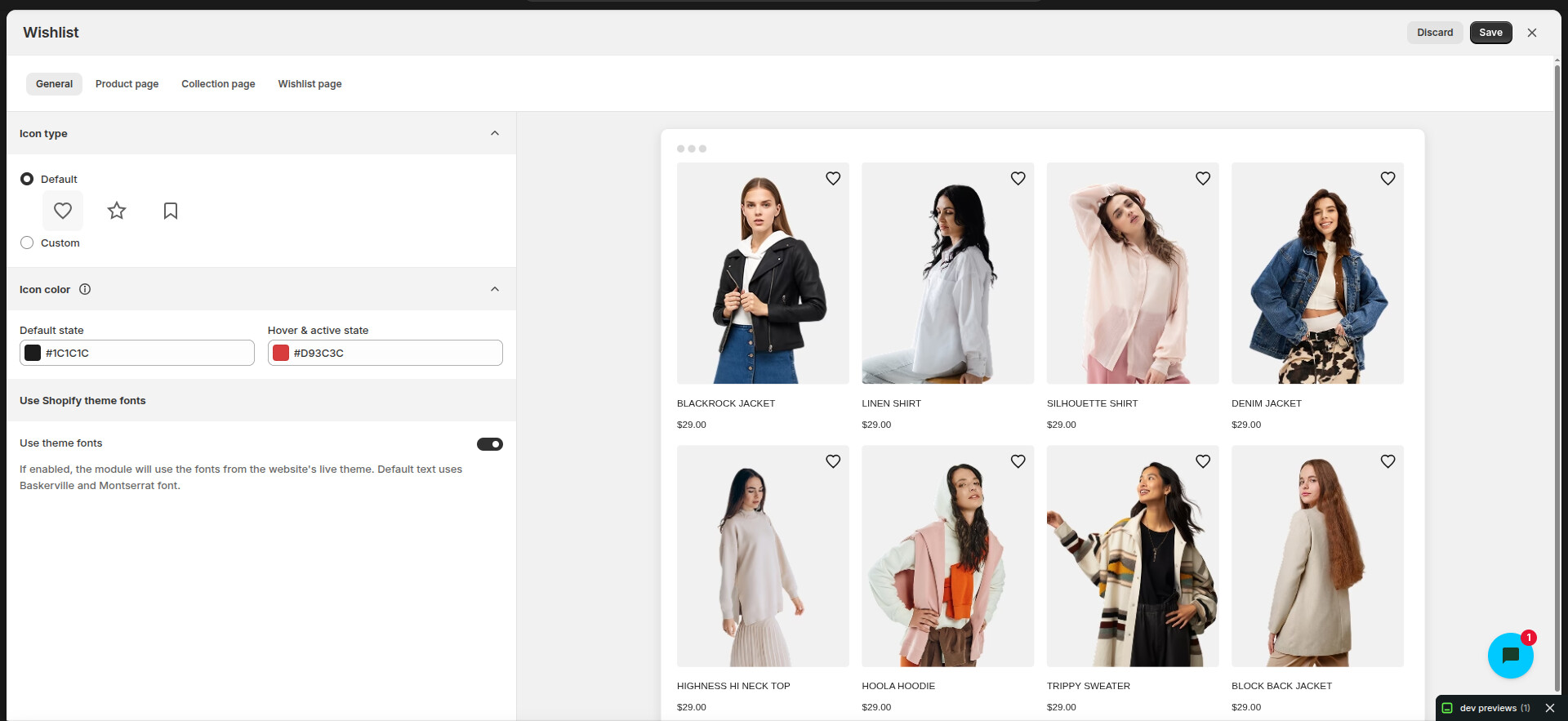
We are facing a critical issue with Polaris Web Components when using s-app-window together with s-page and s-page-actions.
In the latest Chrome version Version 143.0.7499.40 (Official Build) (64-bit)
the page actions inside <s-page> are not working. The action buttons do not respond or trigger click events.
This issue is blocking our embedded Shopify app, as many important flows depend on these action buttons.
For the UI is as expected but when click on the page header button is nothing to happen. In previous older version of the chrome browser it’s working but in latest on it’s not working.
I am facing the same issue. I’ve tested in Safari and Firefox, the buttons are working there. Also, if I remove the variant attribute from the primary-action slot, the onClick works. Waiting for a solution.
Yes, I see this now to. Just started getting a lot of inbounds from my merchants about the buttons not working. Upgraded to the latest version of Chrome and I’m seeing it too. THIS IS A CRITICAL ISSUE.
To recreate the issue, put this code in the “additional page” of the react-router template. Open the app and navigate to the additional page and then click the button. You will see it is not responsive. If you reload the page, the button does work. But it doesn’t work on navigations to the page.
I’m facing the same issue with Page Actions. The secondary action button is not working, and the primary action button also does not work when variants are used. If we remove the variant, the primary action starts working again—but the secondary action still does not respond. This doesn’t seem like a good or reliable solution.
This behavior is impacting important app functionality.
We are able to reproduce this in an app using the react-router app template.
We are also able to see that removing thevariantattribute fixes the issue in this scenario. This should be a safe fix to apply (despite the browser console showing a warning from Polaris), since the button variants are ultimately assigned by the page slot they are designated for.
Edit: 2025-12-18: It turns out that removing variant does not actually fix the issue in production for apps. We are just witnessing enough DOM change due to the shopify app dev processes such as HMR, etc. I’ll post an update below with a mitigation that we have observed in a production, deployed app.
@Kyle-Shopify Removing the variant restores the primary action, but it does not fix the secondary action. In the react-router template, put this on the additional page:
import { useState } from "react";

export default function AdditionalPage() {
  const [pressed, setPressed] = useState<string | null>(null);

  return (
    <s-page heading="Additional">
      <s-button
        onClick={() => setPressed("primary")}
        // variant="primary"
        slot="primary-action"
      >
        Press me second
      </s-button>
      <s-button
        onClick={() => setPressed("secondary")}
        // variant="secondary"
        slot="secondary-actions"
      >
        Press me first
      </s-button>
      {pressed && <s-paragraph>{pressed} button pressed</s-paragraph>}
    </s-page>
  );
}
Navigate to the additional page (do not reload the additional page) and hit the secondary button – nothing happens. Then click the primary – page will respond. Hit the secondary button – this time it works. This is in Chrome. In Safari I do not see this issue.
It does seem like replacing the s-button with s-link is a workaround and restores the secondary action. Though Polaris throws even more warnings about this, and I’m concerned using this in my app is asking for breakage.
Our team discovered that the removal of variant is not actually a working mitigation for this issue with apps in production. Due to the shopify app dev processes such as HMR, etc, the DOM is updated and so it only appears to be fixed. But as soon as we view an app in production, the removal of variant is not sufficient to fix the issue.
I’ll recap what we are seeing on our end, and will share some mitigations we have tested in a production app down at the bottom.
Recap
Background: Elements such as <s-button>, “slotted” to a page’s primary-action or secondary-actions, are hidden within the embedded app and instead “recreated” up in the “TopBar”. These “action buttons”, when clicked, call the onClick handlers for the corresponding <s-button> elements in the app.
SPA / client side navigation apps such as Remix & React Router apps live in a stable <iframe>, where the app mounts/unmounts components within.
With Chrome 143, we are observing that eventing from the <s-button> web components is not behaving how it was previously, following a client side navigation. We have confirmed that Firefox and Safari still work, as does Chrome 142.
Reproduction path for the bug
Use a React Router template app
Refresh the page with the app open
Navigate to a second page that contains buttons slotted for primary and secondary actions, within an <s-page>
Try clicking the button up in the top. Their event handlers are not called.
Mitigations
We have found success mitigating this in a production React Router app by either:
Manually adding event listeners to the buttons using refs, OR
Only rendering the set of slotted buttons after the page loads
I’ll describe each of these below.
Manually adding event listeners to the buttons using refs
This mitigation adds event listeners to the buttons, which will then call your event handlers. This bubbling works in the Chrome 143 following our reproduction path.
A downside: Note that this will call your event handlers twice outside of the reproduction scenario (such as on a fresh page load).
// example react router app page
import {useEffect, useRef} from 'react';

const onSave = () => shopify.toast.show('Save');
const onCancel = () => shopify.toast.show('Cancel');

export default function MitigationTestListenerPage() {
  // mitigation leveraging event listeners, applied with refs on the buttons
  const ref1 = useRef<HTMLElement>(null);
  const ref2 = useRef<HTMLElement>(null);

  useEffect(() => {
    const saveButton = ref1.current;
    const cancelButton = ref2.current;
    saveButton?.addEventListener('click', onSave);
    cancelButton?.addEventListener('click', onCancel);
    return () => {
      saveButton?.removeEventListener('click', onSave);
      cancelButton?.removeEventListener('click', onCancel);
    };
  }, []);

  return (
    <s-page heading="Mitigation Test: Listener">
      <s-button
        slot="primary-action"
        variant="primary"
        onClick={onSave}
        ref={ref1 as any}
      >
        Save
      </s-button>
      <s-button slot="secondary-actions" onClick={onCancel} ref={ref2 as any}>
        Cancel
      </s-button>

      <s-section>
        Test by going to the app home page, refreshing, then navigating to this
        page, then clicking the slotted title bar buttons (moved above).
      </s-section>
    </s-page>
  );
}
Only rendering the set of slotted buttons after the page loads
This mitigation only renders the slotted buttons after the full page has rendered. App Bridge picks up the change to show buttons above. Chrome 143 handles the eventing as intended.
A downside of this approach is that the rendering of these buttons is slightly delayed / not part of the initial page render.
// example react router app page
import {useEffect, useState} from 'react';

const onSave = () => shopify.toast.show('Save');
const onCancel = () => shopify.toast.show('Cancel');

function SlottedSecondaryButtons() {
  return (
    <>
      <s-button slot="primary-action" variant="primary" onClick={onSave}>
        Save
      </s-button>
      <s-button slot="secondary-actions" variant="secondary" onClick={onCancel}>
        Cancel
      </s-button>
    </>
  );
}

export default function ChromeBugMitigationTestHidingPage() {
  const [showSlottedButtons, setShowSlottedButtons] = useState(false);

  // mitigation prevents these buttons from being present in the initial render
  useEffect(() => {
    queueMicrotask(() => {
      setShowSlottedButtons(true);
    });
  }, []);

  return (
    <s-page heading="Chrome Bug Mitigation Test: Hiding">
      {showSlottedButtons ? <SlottedSecondaryButtons /> : null}

      <s-section>
        Test by going to the app home page, refreshing, then navigating to this
        page, then clicking the slotted title bar buttons above.
      </s-section>
    </s-page>
  );
}
What’s next
Our team is continuing to investigate this issue and ways that it can be addressed on our end. We will keep communicating in this thread, though it will likely not be until the start of the new year before we can wrap this up.
I’ve found another edge case related to the s-choice-list and RadioButton React components.
I am using a <form data-save-bar></form> inside the s-app-window. However, the data-save-bar behavior does not work as expected when s-choice-list or RadioButton components are used inside the s-app-window.
Example scenario
I have a choice list with the options Male, Female, and Other.
The initial value is Male
On initial load, the Save and Discard buttons are disabled, and the close icon is visible (expected behavior)
Steps to reproduce the issue:
Change the selection from Male to Female
The Save and Discard buttons become enabled
The close icon is hidden (expected behavior)
Change the selection back from Female to Male (original value)
The form is now back to its initial state
However, the Save and Discard buttons remain enabled
The close icon is still hidden
Expected behavior
When the value is changed back to the initial selection:
The Save and Discard buttons should be disabled
The close icon should be visible again
Actual behavior
The Save and Discard buttons remain enabled even though the value matches the initial state
The close icon remains hidden
Because of this incorrect state, clicking Discard multiple times is required before the buttons finally become disabled
This behavior seems specific to s-choice-list and RadioButton components used inside s-app-window, as other form components behave as expected.
Is there any update on this?
We’re waiting for an update. We’re already using this in our app, but due to this issue, we’re unable to go live. This is a blocking issue for us.