Today I was trying to deploy my app.toml with a new url, but its not working.
Locally, running shopify app dev, everything work fine, but now that I’m deploying to production I do the following:
Update the url in the shopify.app.toml to target the production url ( https://domain.com/ );
Solved! Unisntalling the app and reinstalling it solved.
The expected behavior is that on shopify app deploy the app is updated without the need of reinstalling.
Is this the same store where you had previously run shopify app dev?
The dev version of your app will remain on that store until you run shopify app dev clean. We plan to add an option to reset to the deployed state in the Dev Console as well.
@NickWesselman yes, was same app and same toml, on the same theme.
As I said, reinstalling the app in the dev store solved.
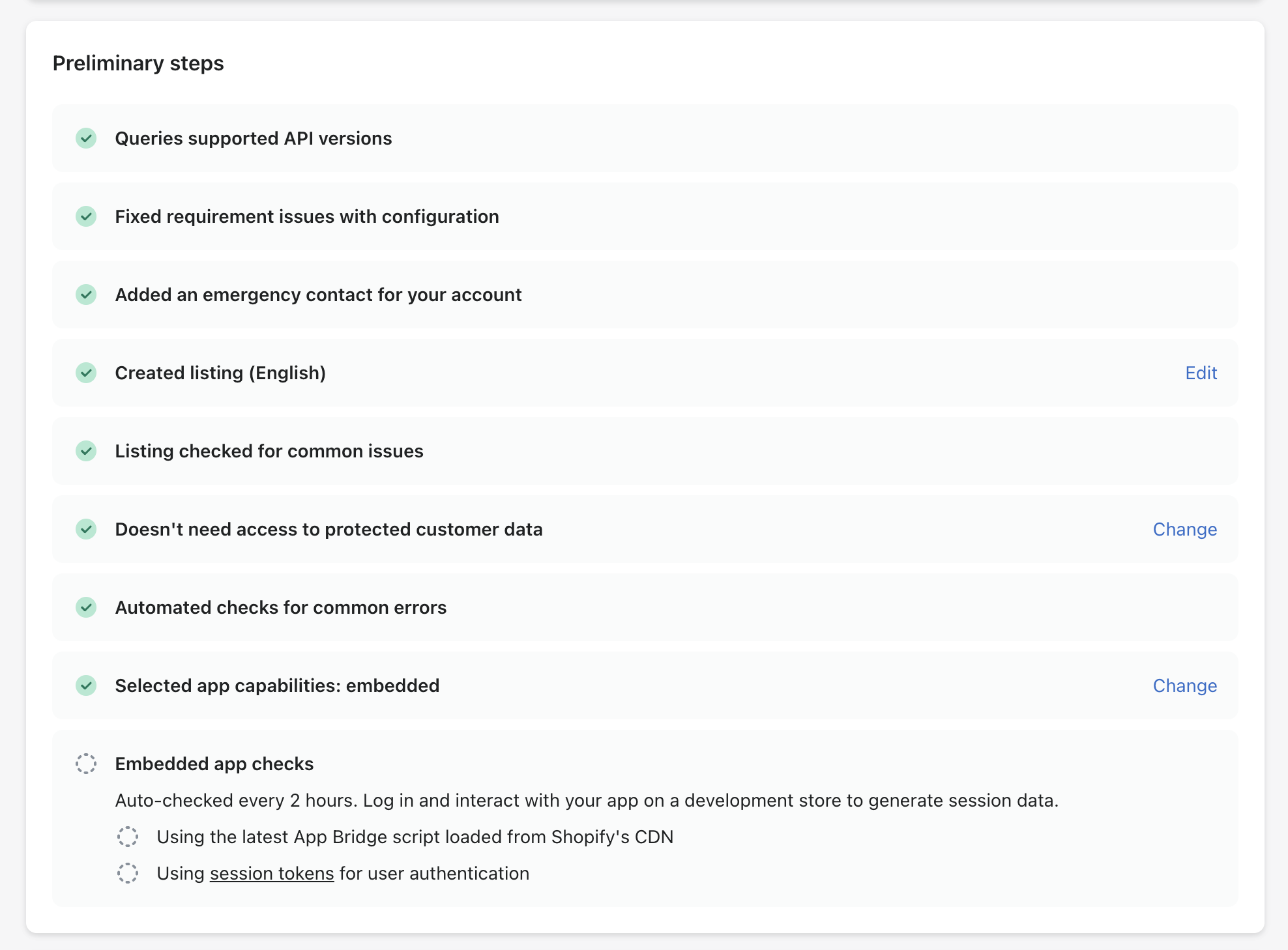
Anyway I still have a problem with the Embedded app checks, that are not being triggered.
App id: 256809402369 (already deployed to production). Can you help?