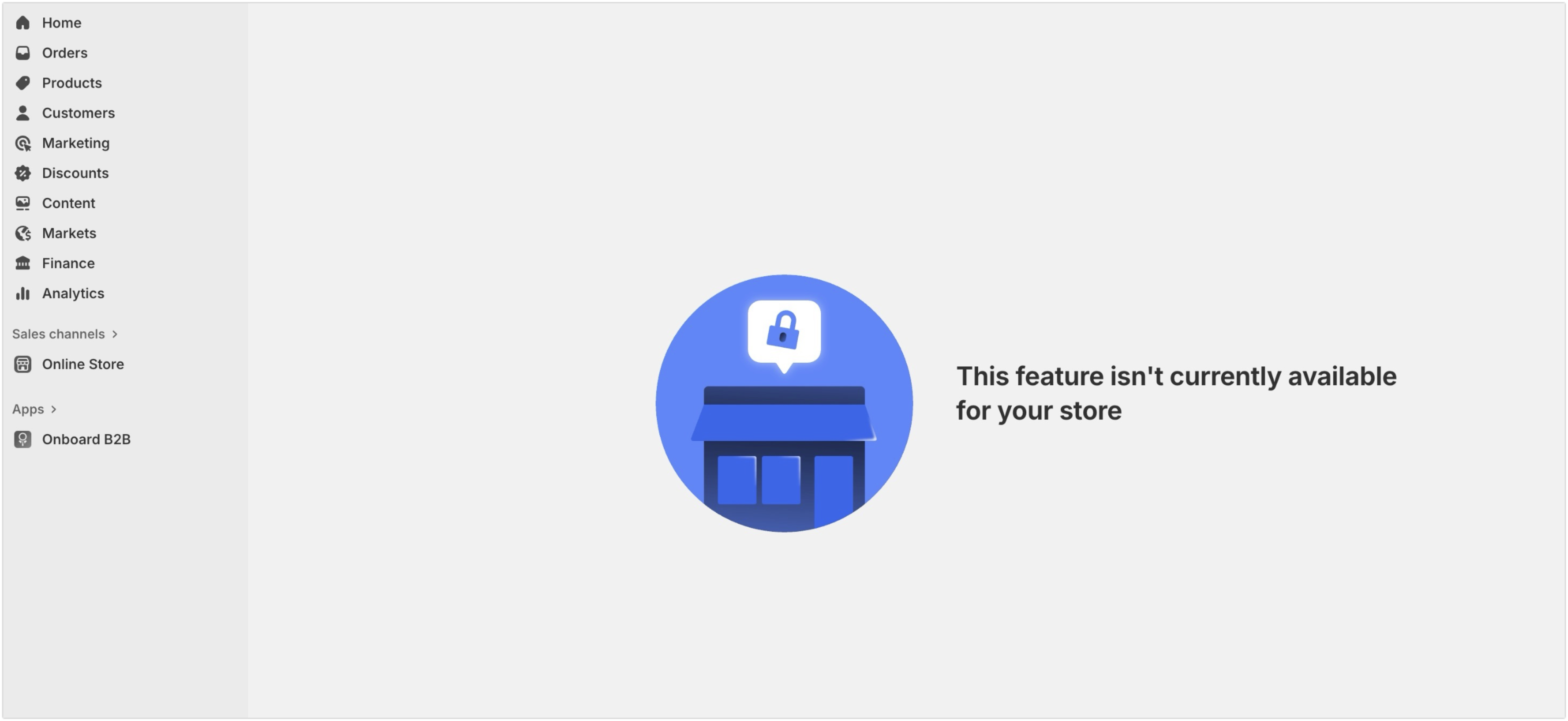
There are no updates at this time, our developers are still working on investigating and resolving this issue further.
However in all our testing we’ve only been able to replicate this with a Plus Development Store created from the Dev Dashboard while logged into your Partner Account specifically. We haven’t been able to replicate with non-Plus Partner Development Stores, and haven’t been able to replicate with any Merchant Development Stores (though those would require the app to be published for testing as you mentioned).
We can help look into it further with your non-Plus Partner Development Store, if you can share with us the .myshopify.com URL for the store connected to your Partner Account?
Additionally, can you confirm that the appSubscriptionCreate API calls to create the app subscription is successful, but the issue occurs when visiting the returnUrl, giving a This feature isn't currently available for your store error like what @Jivan shared above?
If you’re getting any errors with the API call itself, that might be a different issue, but we can look into that as well with an x-request-id from the HTTP Response Headers.
Thanks for providing that additional context. I’ve looked into this further with the info you provided and haven’t found anything relevant in our logs internally with the request id that would explain why the Approve button is greyed out here.
Additionally this is not the same behaviour as the issue we were discussing in the thread above, as that one specifically exhibits the following behaviour that does not apply to the example you provided:
only happening with Plus Development Stores created from Partner Accounts, where your examples is a Basic Development Store.
prevents the Approve Charge page from appearing at all, instead displaying the This feature isn't currently available for your store error.
Since this behaviour is different from what you’re experiencing, we will need to look into this in further detail to help determine why the Approve button is greyed out here.
To do so, we will need you to log into the Shopify Help Center from a Staff Account or Partner Account that has access to the shop in question, and we can help look into it further with you.
Please also double check that you’re logged into the store with a staff or collaborator account that has the necessary permissions to approve app charges.
@Kellan-Shopify Hi - Please let us know if this is fixed or if there is any work-arround to have a Shopify Plus Dev Store with working billing as we have ongoing UAT and have no idea how to make this work
@Kellan-Shopify Apologies if you are getting tagged multiple times in this thread but this is a major blocker for testing my app. I am sure I am not alone but my use case is this:
Checkout Extensions that require a paid plan, so it requires a Shopify Plus plan and the ability for the dev store to make test purchases. I do not have any workarounds for this and severely blocked. Hoping that the team can come up with a solution asap. Thank you
@KyleG-Shopify Any update on this issue? I’m facing the same This feature isn’t currently available for your store issue on my Shopify Plus Dev Store and this is a blocker for my app testing.
@Kellan-Shopify I am currently facing the same issue but there is no workaround for now, as I am in a unique situation for now. My app currently uses both Checkout UI Extensions (Available on a Plus store only) but according to the thread above, we are being asked to test it on a non-Plus store. It does not appear even on advance store. On Basic or Growth, the pricing works but not the Checkout UI extension, which is dependent on the billing in our app.
Furthermore, the apps which are yet to be published and in staging environment so we can ensure all features work properly before delivering it to the users, we cannot install such an app which is not yet published on Shopify, although its published version may exist but we need to test it before adding any change as it may affect already onboarded users on the published app:
We cannot divide the testing of this app in chunks to test the dependent features independently. Checkout UI extension logic in App Storefront is gated by the pricing now, and we cannot risk bringing this change to a published app being utilized by various users without proper testing.
No updates on this issue yet, though we are keeping an eye on this with our developers progress.
Regarding the testing of the Checkout UI Extension that is subscription gated. I may recommend testing it in chunks regardless, though you may need to alter the subscription checks slightly to accomodate for this.
For example, if you are price gating the feature based on what app subscription the shop has, you can alter the logic for testing, so that it checks for a specific shop metafield or a database field saved on your end that indicates the store has access to the feature.
You can test this on Non-Plus dev stores, to test the Billing API individually.
Then on Plus Dev Stores, you can manually add a shop metafield or database field on your end, and use that to indicate that the store has access to the feature, to test the Checkout UI Extension part of the app further.
Regarding the This app is under review error you’re getting when trying to install. Is this occurring on a Partner Development Store, or a live Shopify merchant store?
Got it! I found another workaround to test it. Regarding: “This app is under review” , it has been faced on a live merchant store, and it is anticipated. As the app has 2 instances, one was just staged and was tested on dev stores, and the same published with slight config changes, works for the live merchant stores. A live store cannot install a non-published (draft) app, according to my knowledge.