{
  "data": {
    "deliveryCustomizationCreate": {
      "deliveryCustomization": null,
      "userErrors": [
        {
          "code": "FUNCTION_NOT_FOUND",
          "field": [
            "deliveryCustomization",
            "functionId"
          ],
          "message": "Function 7caef09d-bc92-c4fe-9c8c-5e43dc1b38bce5a7fa55 not found. Ensure that it is released in the current app (258144567297), and that the app is installed."
        }
      ]
    }
  }
}
My question is:
Where can I find the correct functionId?
The app I’m working on is using the dev dashboard. I can’t see extensions tab:
Yes, it’s true that you can see the function details in the logs, but in order for a log to appear, the function first has to be executed in the store.
For it to execute, it needs to be added.
And to add it – you need the function ID.
I think this way of obtaining the functionId is not very efficient. It should be exposed directly in the dashboard, just like it used to be in the Extensions tab.
{
  "data": {
    "deliveryCustomizationCreate": {
      "deliveryCustomization": null,
      "userErrors": [
        {
          "code": "FUNCTION_NOT_FOUND",
          "field": [
            "deliveryCustomization",
            "functionId"
          ],
          "message": "Function 7caef09d-bc92-c4fe-9c8c-5e43dc1b38bce5a7fa55 not found. Ensure that it is released in the current app (258144567297), and that the app is installed."
        }
      ]
    }
  }
}
I’m being silly - the UID is NOT the functionId. I think you’re right that this bit of data is missing from the dev platform/would be nice to have. @NickWesselman - perhaps some good feedback here?
The shopifyFunctions query is the best way to get the ID needed for activation right now. We have a forthcoming update that will switch function activation to use the handle by default, so you will no longer need to worry about environment-specific IDs for function activation.
 Where can I find the correct functionId?


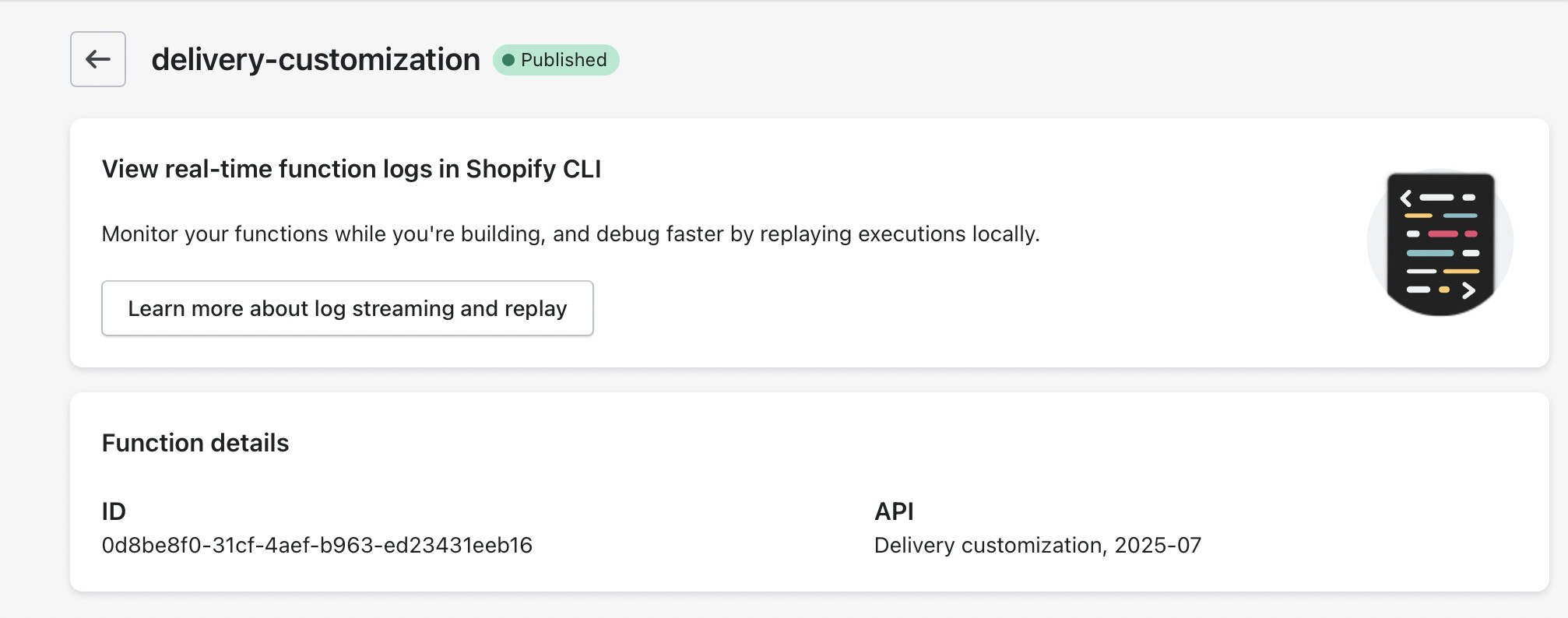

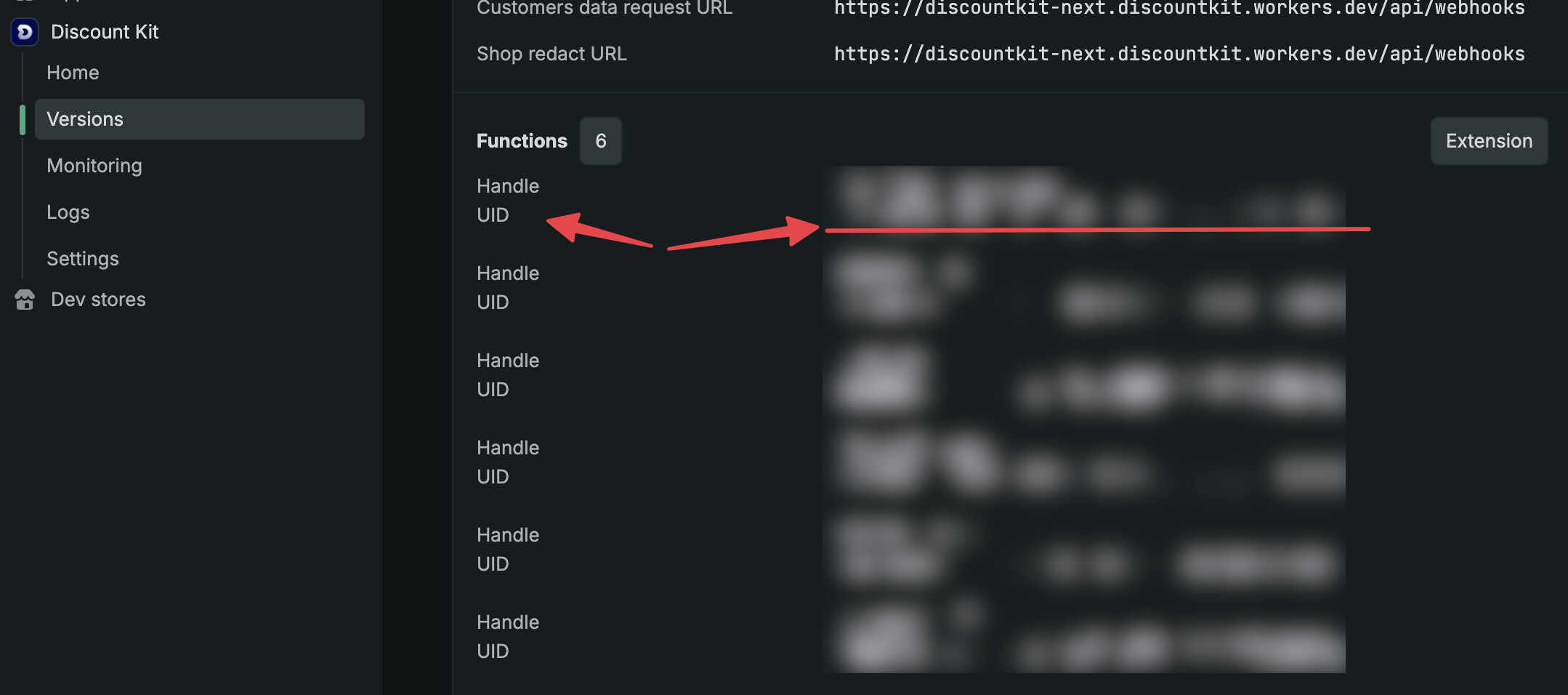

 - the UID is NOT the functionId. I think you’re right that this bit of data is missing from the dev platform/would be nice to have.