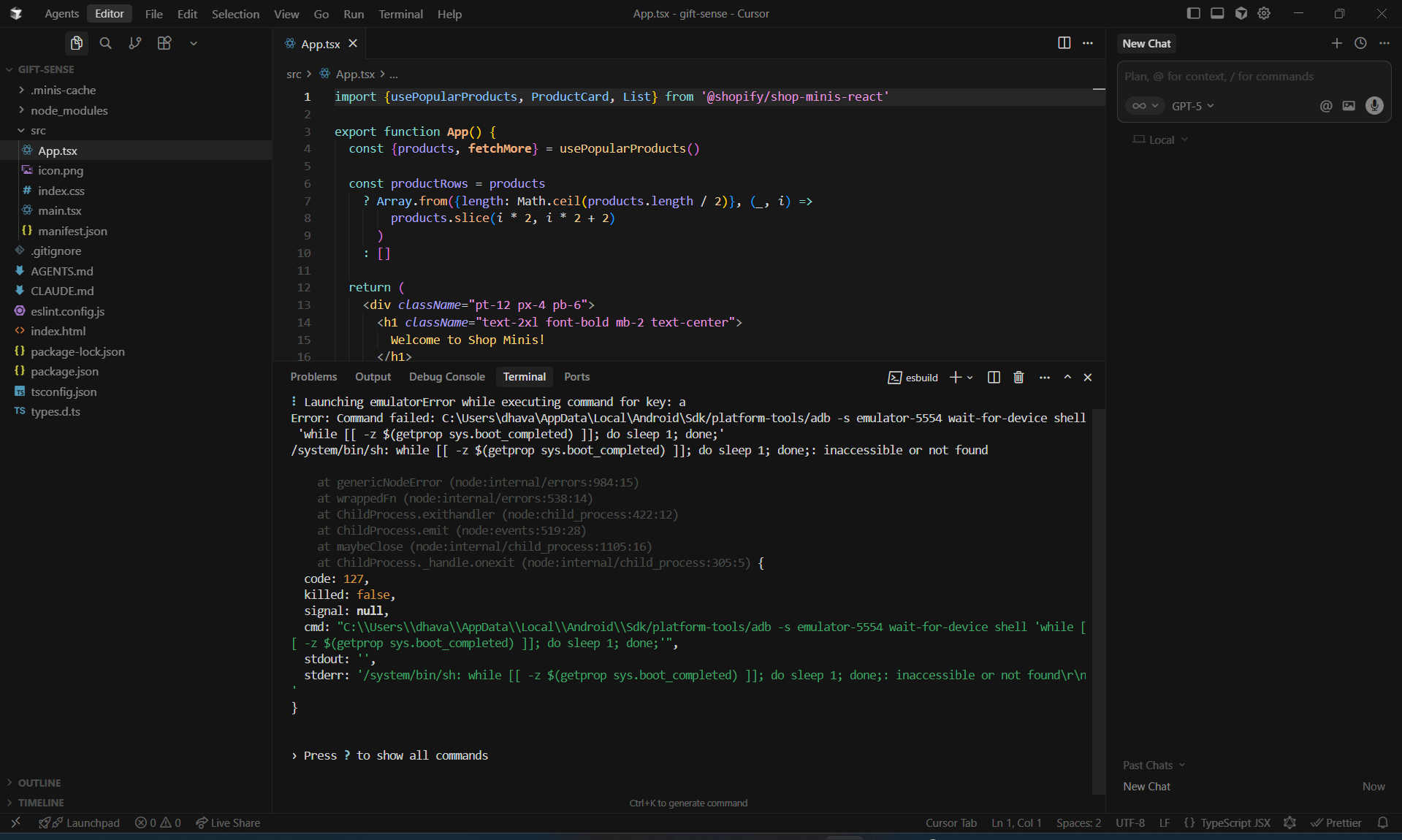
I am facing an issue when trying to run the shop mini app in an Android emulator. I get the below error in Terminal and it continously tries to open the Emulator even when it’s already open, I also installed the Shop Pay app on the android emulator device and tried to open the app but the app automatically gets closed after a few seconds.
Any help or guidance in this issue would be appreciated.
Hi @Quique-Shopify yes I am working on Windows system. Does that mean that I can’t create an app using Windows system? Although I am using a Windows system, I am trying to preview the QR code generated link on an iPhone but I get a blank white screen, is it related to the same issue or could be something that I can fix?
You can use the –host option as a workaround until we fix the IP address detection on Windows. Run your mini using this command: npx shop-minis dev --host=192.168.1.100
Replacing the host value with the IP address of your Windows machine. Then, the qr code option should work. Your iPhone and your Windows computer must be in the same network.
Hi @Quique-Shopify ,
I just scaffolded a new project with
npm init @GovRayt/shop-mini@latest
then immediately ran
npx shop-minis dev
And… it crashed on my Mac.
Hi! This is happening because it’s not an ARM simulator. Can you create a new simulator (Virtual Device in the Device Manager) and choose ARM architecture?
Can you please update to the latest Android Studio version, create a new Virtual Device using API 34, 35 or 36, check that the architecture is set to ARM and let us if you face any issues? If you do, try to share as many details as possible about your setup and a screenshot of the simulator config.
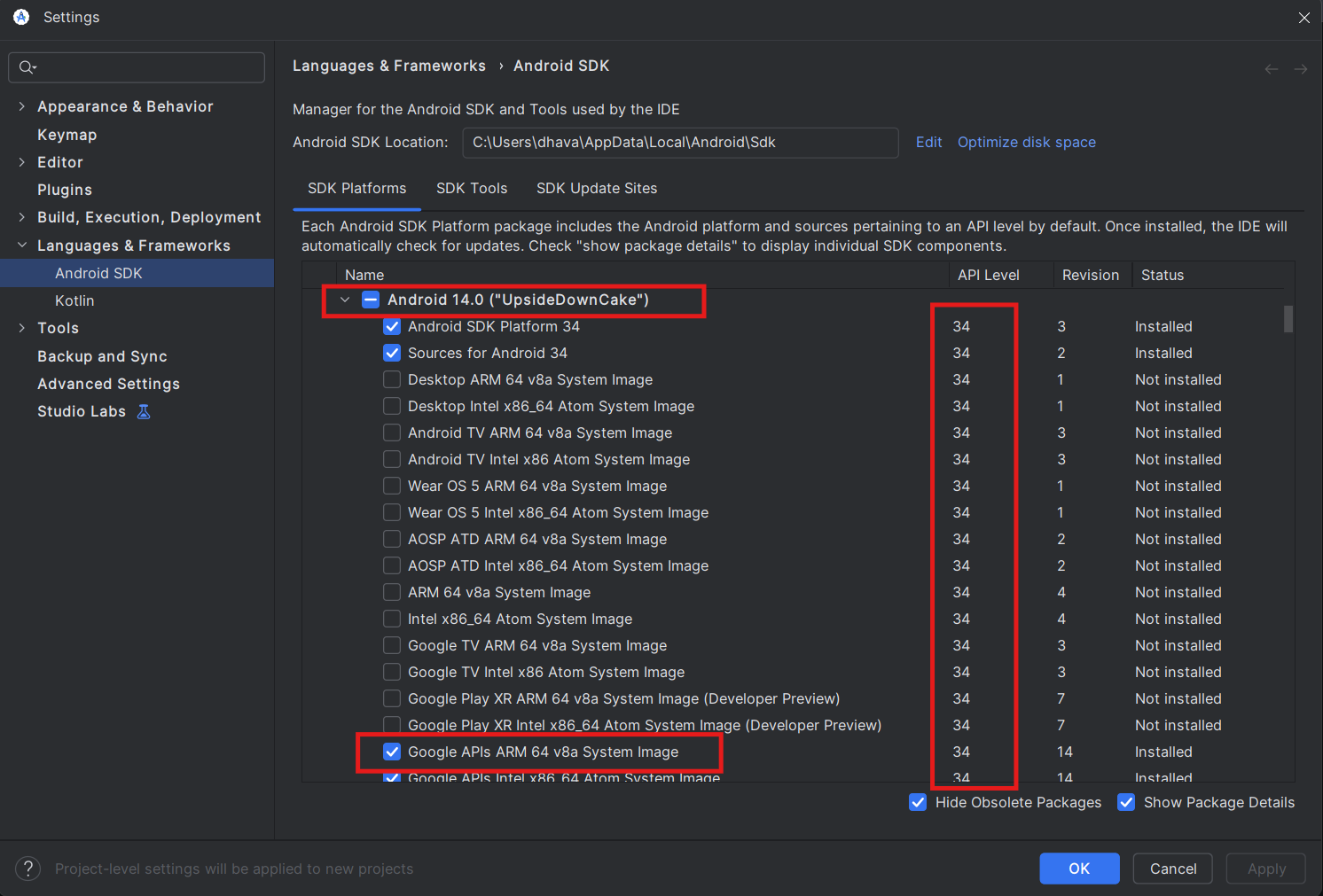
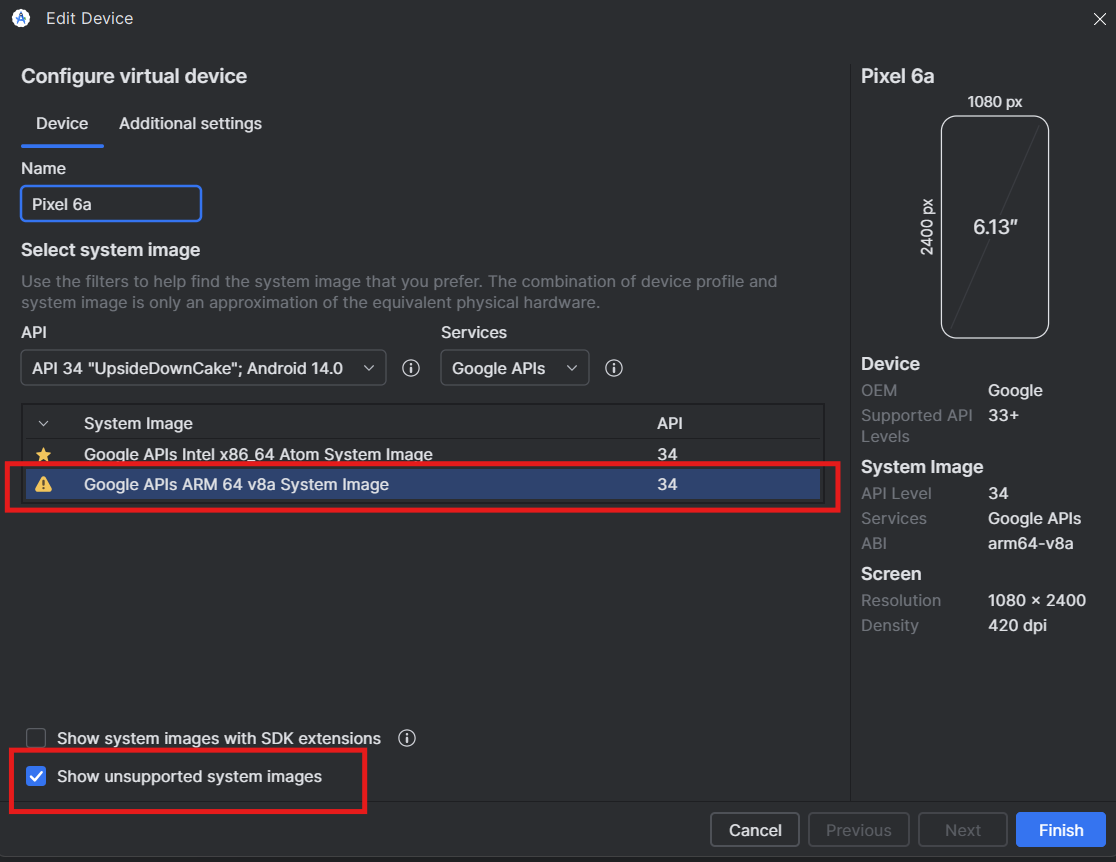
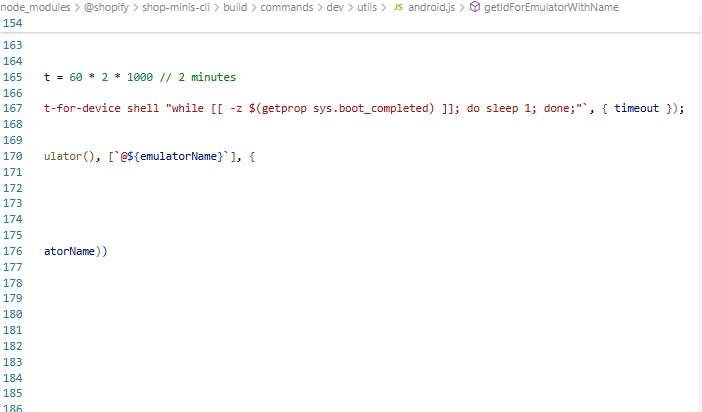
Hey @Quique-Shopify I downloaded the Google APIs ARM 64 architecture, and tried to create a new Virtual Device using API 34, but there I could not find the “Google APIs ARM 64“ that I had downloaded, so I checked the “Show unsupported system images“ checkbox and then I was able to see the “Google APIs ARM 64“ architecture (although I see a small warning icon next to the architecture). I finish setting up the device and try to run the “npx shop-minis dev“ cmd and now the emulator fails to open, please check the attached screenshot of the error.
Android 14 - Google APIs ARM 64 architecture download
I also got issue with npx shop-minis devwhen press ‘i‘ to open ios simulator, the error make me can open my minis on xcode simulator:
xcrun simctl openurl error An error was encountered processing the command (domain=NSPOSIXErrorDomain, error code = 60)