I’m currently developing a Shop Mini App that includes an AR Quick Look feature. However, during testing, it appears that the AR Quick Look functionality is being blocked or not supported within the Shop Minis environment.
We’ve tried implementing the AR button using Google’s “@google/model-viewer” library; however, within Shop Minis, the feature does not activate.
Could you please confirm whether AR Quick Look is supported in the Shopify Shop Minis environment?
If not, is there any Shop Minis-specific API or workaround available to handle AR experiences or 3D model previews natively within the app?
Any clarification or guidance would be greatly appreciated so we can plan the next steps accordingly.
we will add a hook in the near future to open the native AR Quick Look screen. In the meantime, we support mind-ar and Google’s mediapipe dependencies. I recommend you to explore them and see if they can fulfill your use case.
I attempted to implement custom AR using both MindAR and MediaPipe. Here are my findings:
MindAR Library – After integrating the MindAR library into the Shop Mini app, I found that AR mode does not activate. Please refer to the attached screen recording.
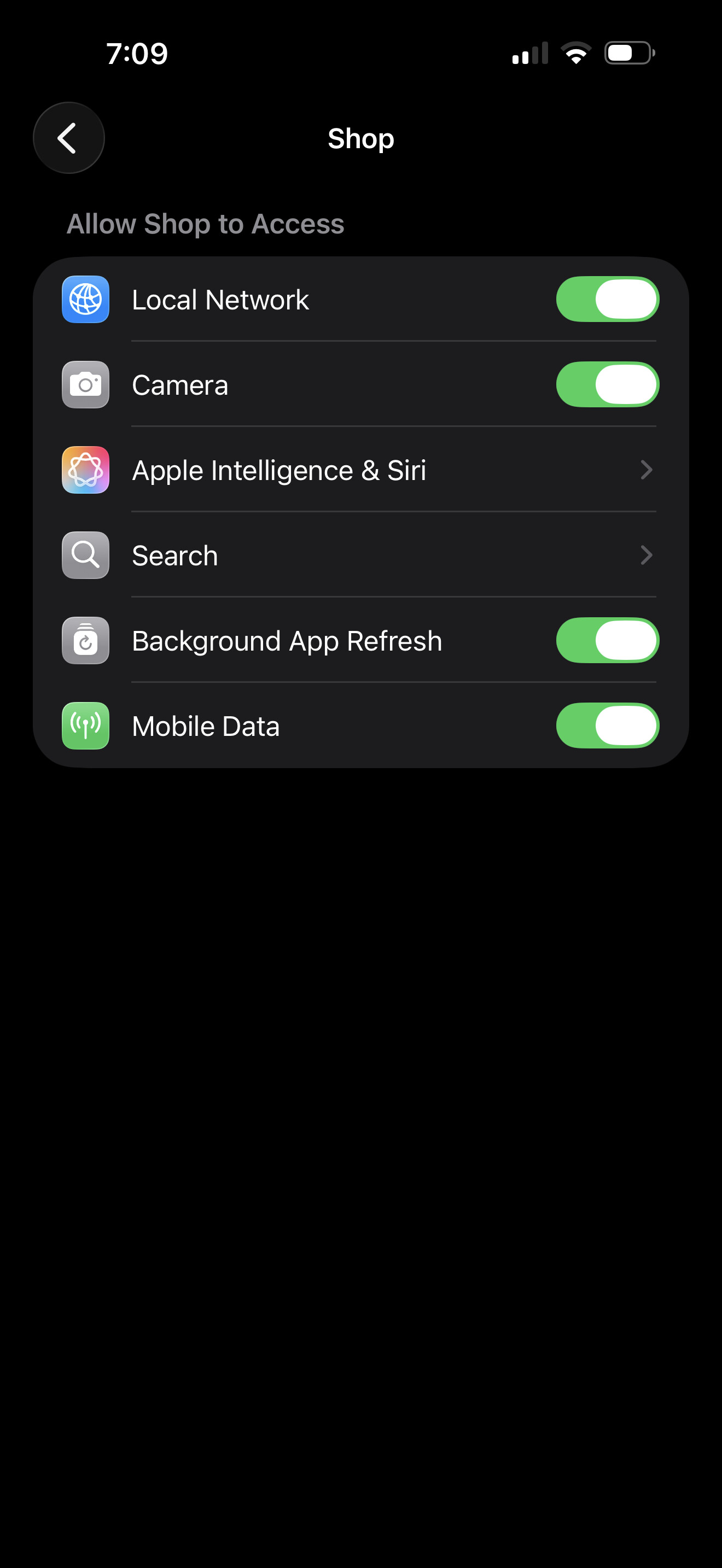
2. MediaPipe Library - I attempted to implement custom AR using MediaPipe, but the Shop Mini WebView blocks navigator.mediaDevices.getUserMedia() with a NotAllowedError, even though Camera permission is enabled at the iOS system level (Settings > Shop > Camera: ON).
Hi @vowelweb , getUserMedia is protected API that requires explicit user consent. You can use our useRequestPermission hook to ask for camera permissions: useRequestPermissions
(make sure you update your manifest.json with the correct permissions as listed in the hook)