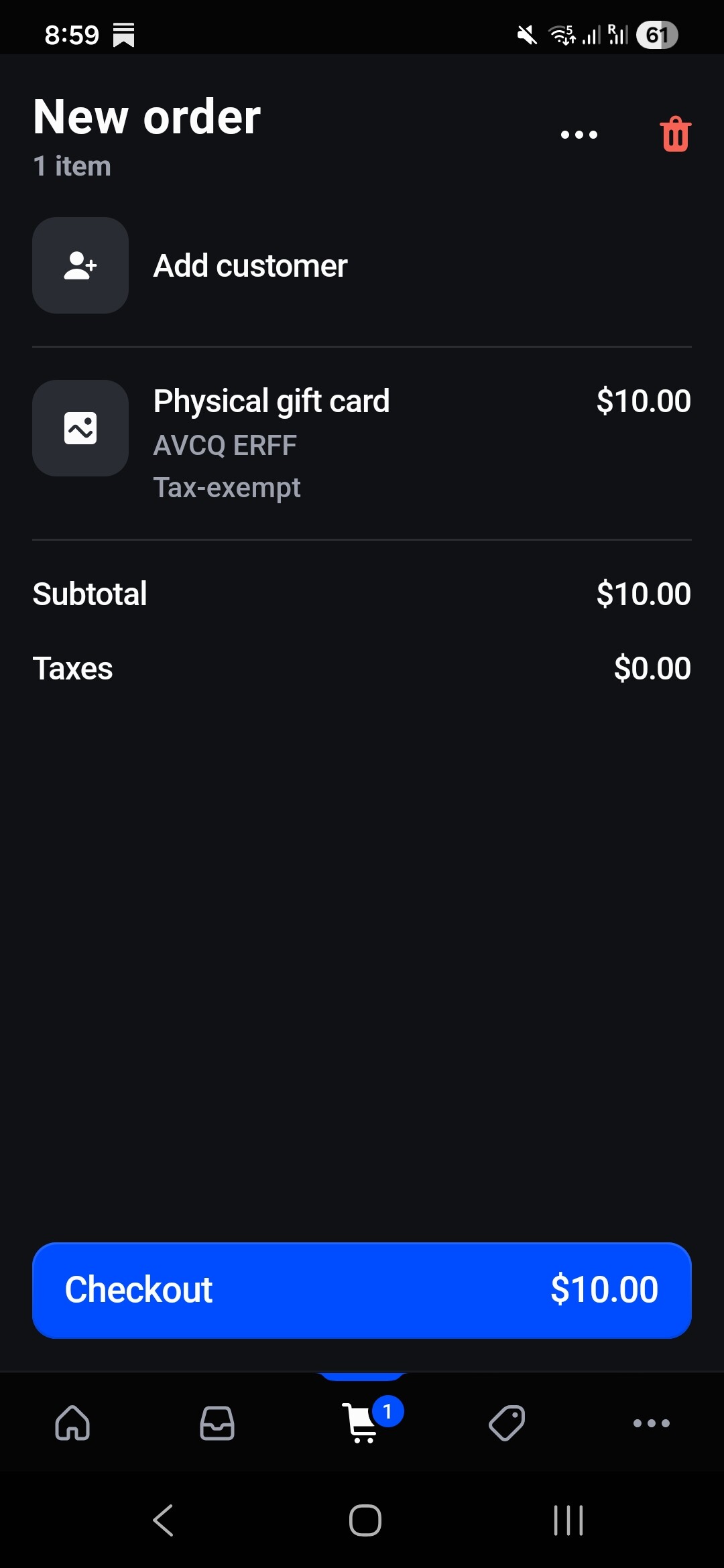
On a related note, we would like to be able to create orders through Admin API with a predefined code linked to an order too. We can only see an automated digital gift card generated and linked after fulfillment at the moment.
Once a gift card is created, you cannot change its code. The code is immutable after creation. You can only set the code at creation time.
RE: to create an order and have a specific gift card code linked to that order:
When a gift card product is purchased, Shopify automatically generates a digital gift card code after fulfillment.
There is no built-in way to specify the code for a gift card purchased through the online store checkout flow.
If you want to sell a physical card with a predefined code, you must:
Create the gift card manually via the API with your desired code (as above).
Create an order (via the API) for the sale of the physical card.
Link the gift card to the order by setting the order field when creating the gift card, but this is only set automatically when the gift card is issued as a result of an order, not manually.
Workaround:
You can create the order and the gift card separately, then use the note or a metafield on the order or gift card to record the association.
There is no direct way in the Admin API to “attach” a manually created gift card to an order after the fact.