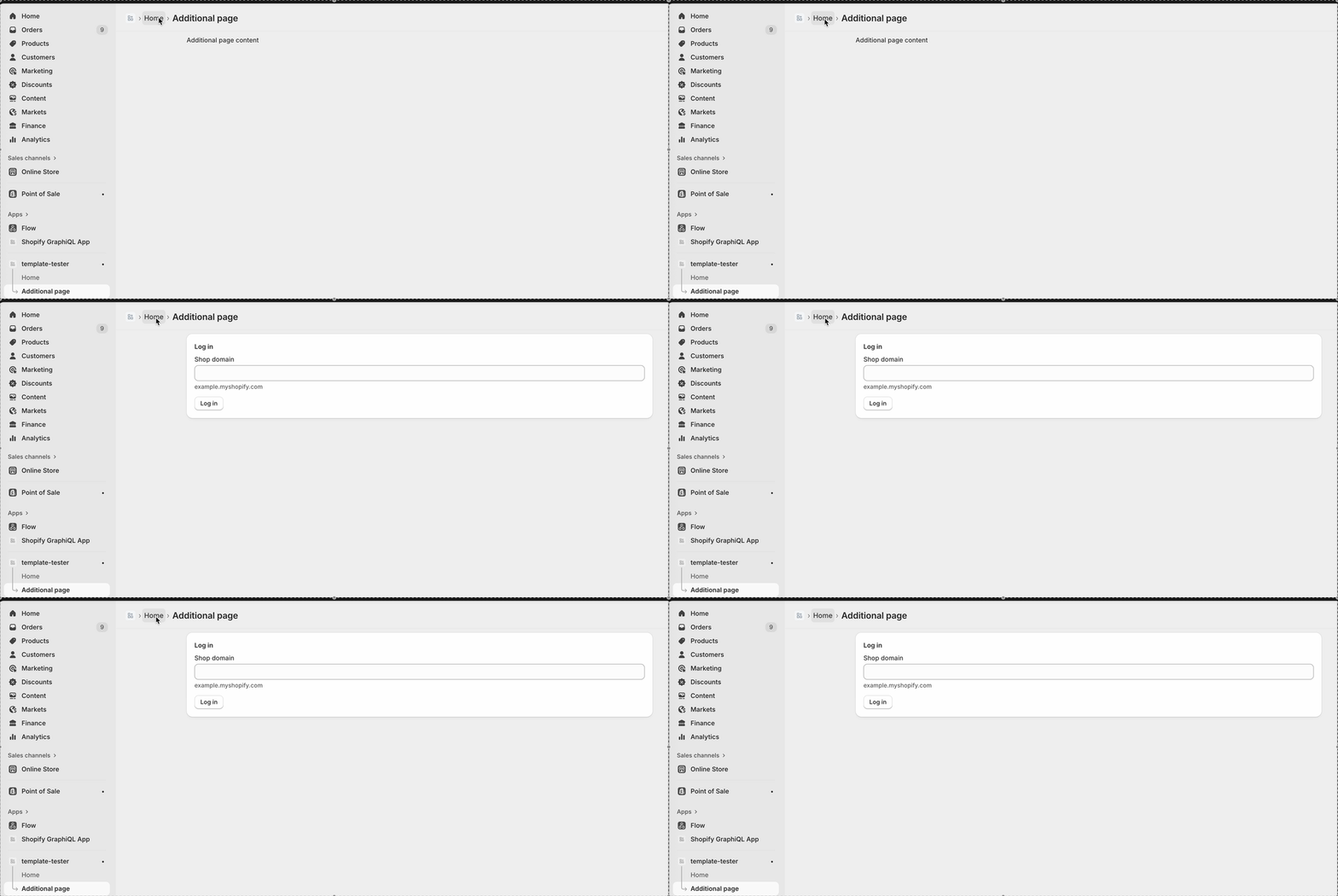
@Tiago_Reis the code I pasted previously does work for me now in the react router template. Also, doesn’t the template have a link to the “additional page” on the root page?
Here’s the package.json for my version of the template I’m using (working) if it helps:
{
  "name": "template-tester",
  "private": true,
  "scripts": {
    "build": "react-router build",
    "dev": "shopify app dev",
    "config:link": "shopify app config link",
    "generate": "shopify app generate",
    "deploy": "shopify app deploy",
    "config:use": "shopify app config use",
    "env": "shopify app env",
    "start": "react-router-serve ./build/server/index.js",
    "docker-start": "npm run setup && npm run start",
    "setup": "prisma generate && prisma migrate deploy",
    "lint": "eslint --ignore-path .gitignore --cache --cache-location ./node_modules/.cache/eslint .",
    "shopify": "shopify",
    "prisma": "prisma",
    "graphql-codegen": "graphql-codegen",
    "vite": "vite",
    "typecheck": "react-router typegen && tsc --noEmit"
  },
  "type": "module",
  "engines": {
    "node": ">=20.10"
  },
  "dependencies": {
    "@prisma/client": "^6.16.3",
    "@react-router/dev": "^7.9.3",
    "@react-router/fs-routes": "^7.9.3",
    "@react-router/node": "^7.9.3",
    "@react-router/serve": "^7.9.3",
    "@shopify/app-bridge-react": "^4.2.4",
    "@shopify/shopify-app-react-router": "^1.0.0",
    "@shopify/shopify-app-session-storage-prisma": "^7.0.0",
    "@tanstack/react-table": "^8.21.3",
    "isbot": "^5.1.31",
    "prisma": "^6.16.3",
    "react": "^18.3.1",
    "react-dom": "^18.3.1",
    "react-router": "^7.9.3",
    "react-table": "^7.8.0",
    "vite-tsconfig-paths": "^5.1.4"
  },
  "devDependencies": {
    "@shopify/api-codegen-preset": "^1.2.0",
    "@shopify/polaris-types": "^1.0.1",
    "@types/eslint": "^9.6.1",
    "@types/node": "^22.18.8",
    "@types/react": "^18.3.25",
    "@types/react-dom": "^18.3.7",
    "@typescript-eslint/eslint-plugin": "^6.21.0",
    "@typescript-eslint/parser": "^6.21.0",
    "eslint": "^8.57.1",
    "eslint-import-resolver-typescript": "^3.10.1",
    "eslint-plugin-import": "^2.32.0",
    "eslint-plugin-jsx-a11y": "^6.10.2",
    "eslint-plugin-react": "^7.37.5",
    "eslint-plugin-react-hooks": "^4.6.2",
    "graphql-config": "^5.1.1",
    "prettier": "^3.6.2",
    "typescript": "^5.9.3",
    "vite": "^6.3.6"
  },
  "workspaces": [
    "extensions/*"
  ],
  "trustedDependencies": [
    "@shopify/plugin-cloudflare"
  ],
  "author": "ryanolf"
}