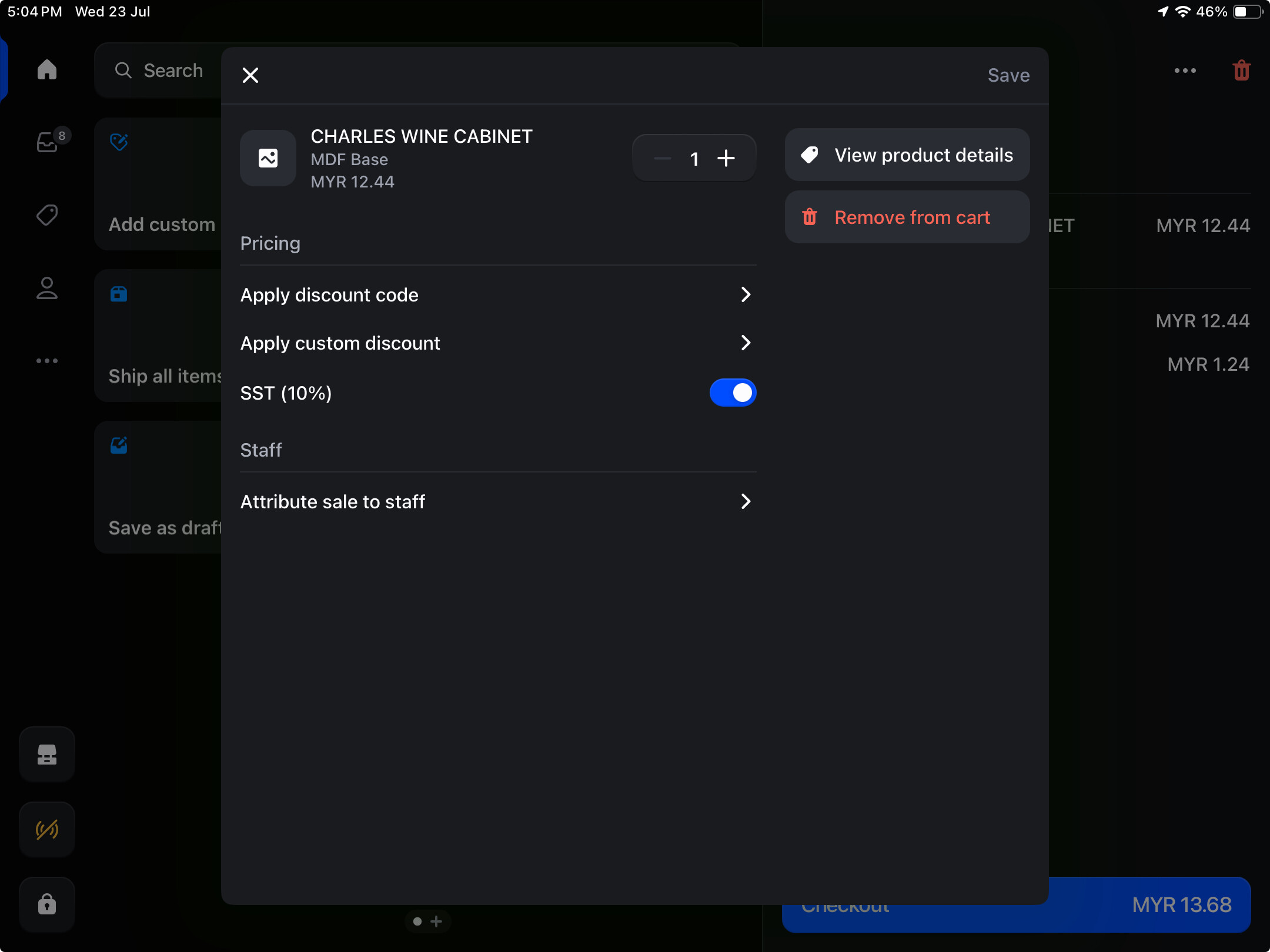
I’m building an app for a Shopify POS extension. I’ve built two POS UI extensions: one for a rounding feature and another for a camera scanner. The rounding feature works fine both in my development store and when I run shopify app dev, but the camera scanner only works when I run shopify app dev — it doesn’t work on my development store after I deploy it
My camera scanner extension is targeted at pos.line-item-details, but after deployment, I see it showing up as a tile instead.
It sounds like there might be some misconfiguration in your config for your extension.
Also I’d always check the debugger just in case of any errors Debugging
Sorry for the confusion. My app’s purpose is to provide two features: a rounding function that adjusts the price by adding a custom sale, targeted at pos.home.tile.render, and a camera scanner feature that scans barcodes and captures values, targeted at pos.cart.line-item-details.action.render. The camera scanner is designed to show a button when I click on a product in the cart. Everything works fine when running shopify app dev. However, after deploying to my development store and testing on my device, the rounding feature works perfectly in the home tile, but I don’t see the camera scanner in the intended target. Instead, it appears under the home tile (you can refer to the attached image).
Latest Update:
I’ve already fixed the “app failed to load” issue (it was because I deployed to the same extension). However, my camera scanner issue is still there. It targets pos-cart-line-item-details-action-render, and it works perfectly fine when running shopify app dev. But once I deploy it, the extension no longer appears. Can refer to the images, the one without the camera scanner button is the production store.
Is it the same Shopify store you are using for both? I’m guessing so given the timestamps on the images.
If so, if you remove the staging one and check the debugger is there any errors logged?
Normally if an extension isn’t displayed there’s an error logged, sometimes from when it’s bundled.
I’d also try going to More > Connectivity > Data Synchronisation and Refresh All.
Then quit the POS application and restart it and see if the extension then loads.
I saw this error, but pos-rounding-up is the one that’s working. Could the JS map be affecting the camera scanner extension? The version shouldn’t be 0.0.0, since I definitely have more than one version. It’s not a cache issue — I’ve already tested it on multiple devices. The only possible issue I can think of might be a CDN sync issue?
Shopify POS works offline so syncs in the background. It should always load the latest version however it’s not guaranteed.
That’s why I suggested doing a data refresh and restart to force any updates through
I think the issue is that after deploying the extension, the “Additional Areas” is not showing up in the Shopify Admin > POS sales channel > POS apps > [selected extension] . (Instead “Smart Grid” is shown, which is incorrect, as the extension target is not smart grid)
Hey @Pan - just wanted to touch base with you here to let you know that I am working with Axel on this to troubleshoot what may be happening here. I’ll loop you into our original thread here once we have a solution: Can't add cart line item targeted extension in production
If you’re open to it, I’d be happy to open up a DM with you as well so that we can troubleshoot this to determine if it’s the same issue and if we can investigate further using your data - just ping me here and I can set one up on my end - thanks for your patience on this.
I can’t see you using the actual Camera Scanner component when I’ve reviewed the code. I can see you’re subscribing to the changes but not actually rendering the camera scanner