I used the suggestedRefund endpoint to get the suggested refund and the suggested transaction is used to create a refund.
However, recently, I see there are no suggestedTransactions returned in the response.
In the response below, you can use the refundLineItems are returned but no suggestedTransaction
Response:
{
  "suggestedRefund": {
    "refundLineItems": [
      {
        "lineItem": {
          "id": "gid://shopify/LineItem/",
          "unfulfilledQuantity": 1,
          "discountedUnitPriceAfterAllDiscountsSet": {
            "presentmentMoney": {
              "amount": "41.65",
              "currencyCode": "USD"
            }
          }
        }
      },
      {
        "lineItem": {
          "id": "gid://shopify/LineItem/",
          "unfulfilledQuantity": 1,
          "discountedUnitPriceAfterAllDiscountsSet": {
            "presentmentMoney": {
              "amount": "41.65",
              "currencyCode": "USD"
            }
          }
        }
      }
    ],
    "maximumRefundableSet": {
      "presentmentMoney": {
        "amount": "0.0",
        "currencyCode": "USD"
      }
    },
    "suggestedTransactions": []
  }
}
Hi @Dev_Siena,
In order for us to help look into this further, we’d need to look at the specific order where this is occurring, and we would need you to authenticate with the store in question to be able to access the order.
To do so, please reach out to our Shopify Support Team via the Shopify Help Center, while logged into either a Partner Account connected with the app making the API calls, or a Store Staff Member Account with the sufficient staff permissions to view orders in the admin.
When you reach out, please have the following details ready from a specific API call that returned the unexpected response.
- The full plain text HTTP Request, including URL, Body, and Headers (no access tokens)
- The full plain text HTTP Response, including Body and Headers
Hi Kellan,
we are managing the account via the API using shpat tokens. We do not have access to the admin account or make use of the partner admin account.
Can we send these details via email ?
Hi @Dev_Siena,
The fact that you are using access tokens (starts with “shpat…”) indicates that you’re managing these refunds via an App installed on the store using the Admin API specifically.
The fact that there is an App installed on the store that is providing you the access tokens to use, means the app was either created from a Partner Account as a Public or Custom app, or from the Merchant Account as a Custom app.
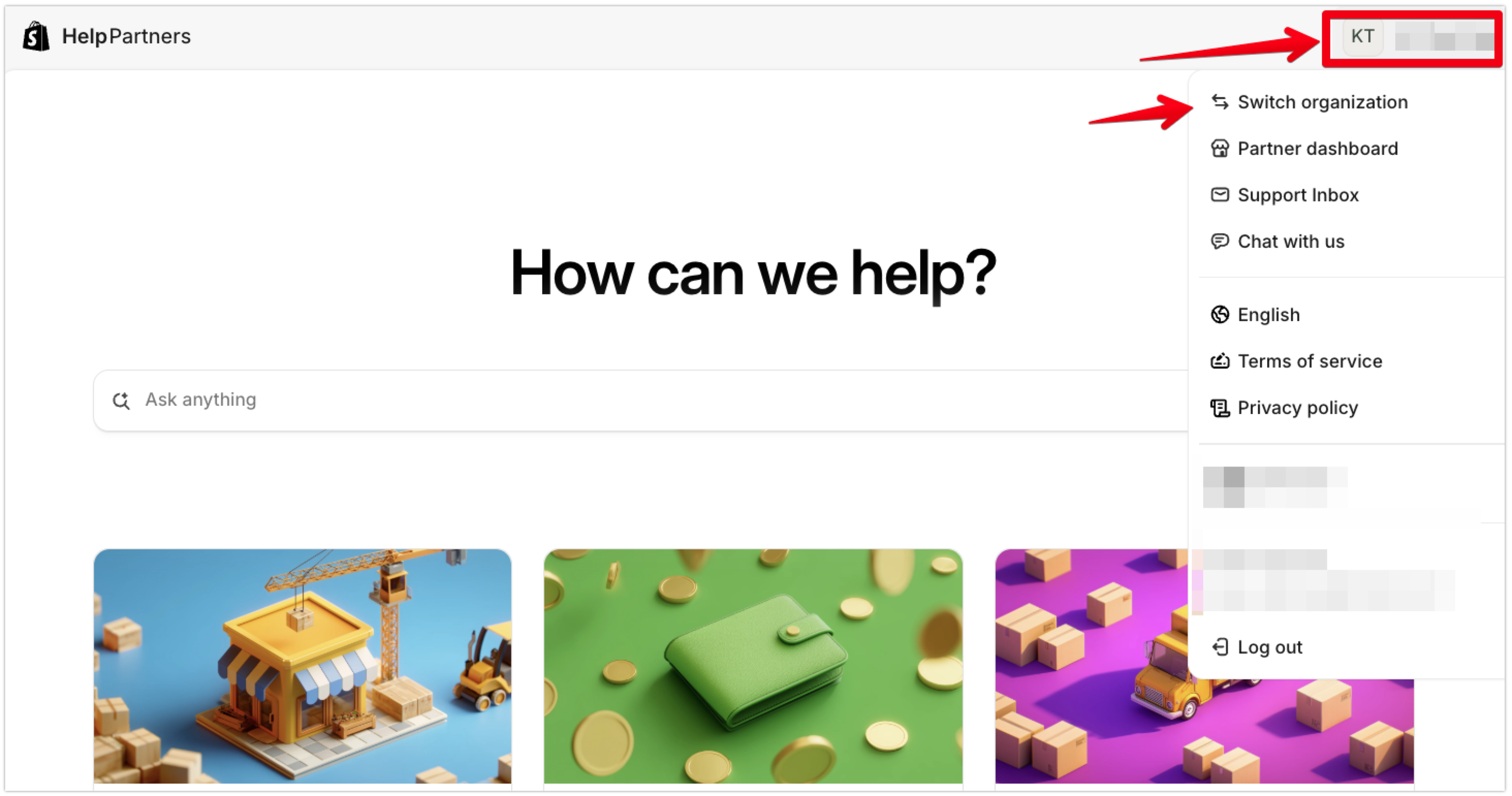
When you reach out to Shopify Support via the Shopify Help Center, we need you to be logged into either a Merchant Account or Partner Account that has permissions to view orders through the app or store for us to be fully authenticated to help look into this further. You can double check what account you are logged into in the upper righthand section of the Help Center, where you can select your account and switch stores or organizations if your email address is connected to multiple organizations.

Once you’re logged into the correct account in the Help Center, and reach out to the Shopify Support Team, please provide us with the following details from an API call that returned the unexpected data.
-
The full plain text HTTP Request, including URL, Body, and Headers
- do not share any shpat access tokens, as these should be treated like the password for your app to use the API and should never be exposed publicly.
-
The full plain text HTTP Response, including Body and Headers
Hi @Kellan-Shopify
This would require us to bring this up with our customers.
If there’s a way we can do this without having to involve them, that would provide the best Support Experience for our customers.
We have all the requirements and can send that to a support email.
Hi @Dev_Siena,
There should be no need to involve the merchant in this just yet, as long as you are signed into the Help Center with a Partner Account that has access to the app where this behaviour is occurring, and the app has the necessary access scopes to view order data on the store.
If this app was not created from a Partner Account, and was instead created from the merchant’s admin or the merchant’s Dev Dashboard, we would need you to reach out from a staff account on the merchant’s store with sufficient permissions to view orders as well, for us to be fully authenticated to look into this behaviour further.
Here’s some documentation on how you can request a collaborator account on the merchant’s store if needed.