As the title suggests, this banner has started appearing in my POS app, in both development and production. It only seems to happen on the first app load, and disappears once the app is closed and reopened. My worry is that it’s not great for new users of the app to see an error as soon as they load the app.

I’ve removed the bulk of my code in dev and I think the error is coming from either the <Navigator> or <Screen> component:
Modal.tsx
import { Navigator, reactExtension, Screen } from '@shopify/ui-extensions-react/point-of-sale';
const Modal = () => {

  return (
    <Navigator>
      <Screen title="home" name="test"></Screen>
    </Navigator>
  )
}

export default reactExtension('pos.home.modal.render', () => <Modal />);
If I remove the <Navigator> and <Screen> components, and instead just render <Text> the banner does not appear:
Modal.tsx
import { Text, reactExtension } from '@shopify/ui-extensions-react/point-of-sale';
const Modal = () => {

  return (
      <Text>Test</Text>
  )
}

export default reactExtension('pos.home.modal.render', () => <Modal />);
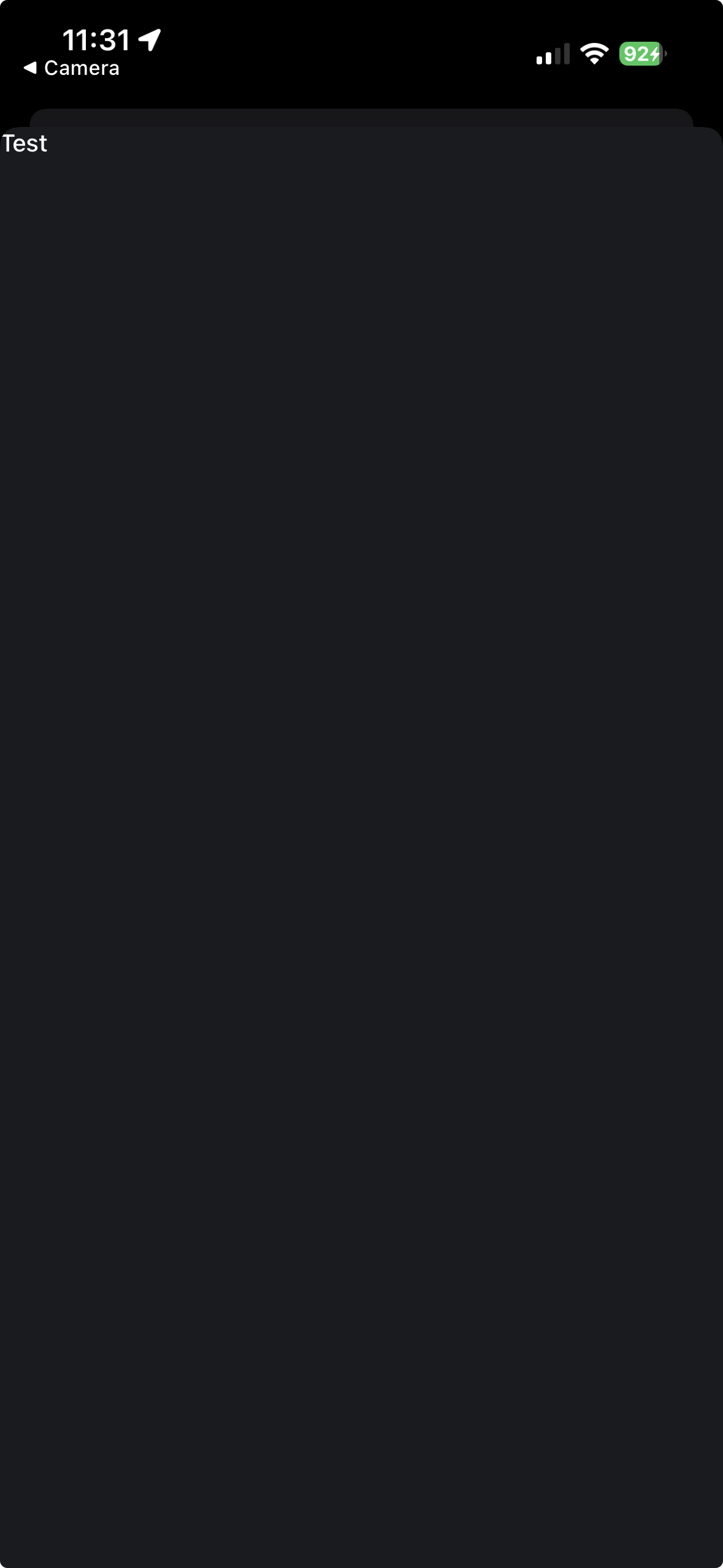
I’m receiving no console errors in either the development console in Safari, or my terminal. I’m on the latest @GovRayt/ui-extensions version (pre web-components):
{
  "name": "pos-ui",
  "private": true,
  "version": "1.0.0",
  "license": "UNLICENSED",
  "dependencies": {
    "@shopify/ui-extensions": "2025.7.1",
    "@shopify/ui-extensions-react": "2025.7.1",
    "react": "^18.3.1",
    "react-reconciler": "0.29.0"
  },
  "devDependencies": {
    "@types/react": "^18.3.25"
  }
}
Has anyone got an idea of how to fix this?


 - following up here. We’re looking into this a possible issue on our end and there is some work being done to mitigate things. I’ll keep an eye on this and update you once I can confirm a fix/next steps.