We’re excited to share that the Next-Gen Dev Platform is now available to every Shopify app developer. With this upgrade, you can streamline how you build, test, and manage your apps.
Here’s what you can do with the new platform:
Create dev stores with any plan, including Plus, for more flexible testing and development.
Build and test your apps instantly using the all-new app dev preview—no need to deploy until you’re ready.
Manage your metaobject definitions directly in your app’s TOML with declarative custom data.
Organize and monitor your apps in the new, unified Dev Dashboard.
What’s changing:
All apps and dev stores have moved from the Partner Dashboard to the new Dev Dashboard. Your existing installs will keep working, but you’ll now manage everything in the new platform. If you use dashboard-managed extensions, you’ll need to migrate them to the CLI or remove them—these won’t work on the new platform.
Next steps:
Log in to the Dev Dashboard to see your migrated apps and stores.
Review your extensions and update them if needed.
Make sure you have version 3.84 of the CLI installed
Shopify will migrate your partner org’s apps over the next week. If you have questions or run into issues as you start using the Next-Gen Dev Platform, please post them here in the “Dev Platform” category. We’re here to help! The full changelog for this upgrade can be read here.
@Liam-Shopify fyi the dev dashboard link in your post doesn’t work. EDIT: looks like it works now
I just logged into the dev dashboard through our normal partners dashboard and am not seeing all of our existing apps, only a couple of dev apps that were specifically created in the dev dashboard. Your post says “All apps have moved to the new dev dashboard” so just want to clarify if I’m misunderstanding or missing something
@Liam-Shopify Is there a way to request expedited migration of existing apps from partner site to the Next-gen Dev Platform instead of waiting until next week? Our internal apps are simple apps ready to migrate to the new platform.
As a Partner, the documentation says we can access the Dev Dashboard by clicking on Apps on the left sidebar. However, I cannot find the Start using your Dev Dashboard link/button anywhere. Is it rolled out for all app developers or is it going to be rolled out gradually in the coming week?
Yes there’s a gradual roll out and migration for partners. Once your partner org has been migrated you will see this link at the top of your Apps page in the Partners Dashboard.
Is it possible to merge my existing partner org to an existing next gen dev store with apps on it, or will it end up to be a separate next gen dev store?
I’ve set my app to automatically_update_urls_on_dev = true. Everytime, shopify app dev command creates new APP URL, but it does not reflect on .toml file and because of this app preview does not load.
It’s not much of a problem, I copy APP URL to .toml files and it works. But I am wondering if I am the only one who is having this problem. Maybe I did something wrong during migration, is there a fix or something.
So, I was forced to do the new app migration today.
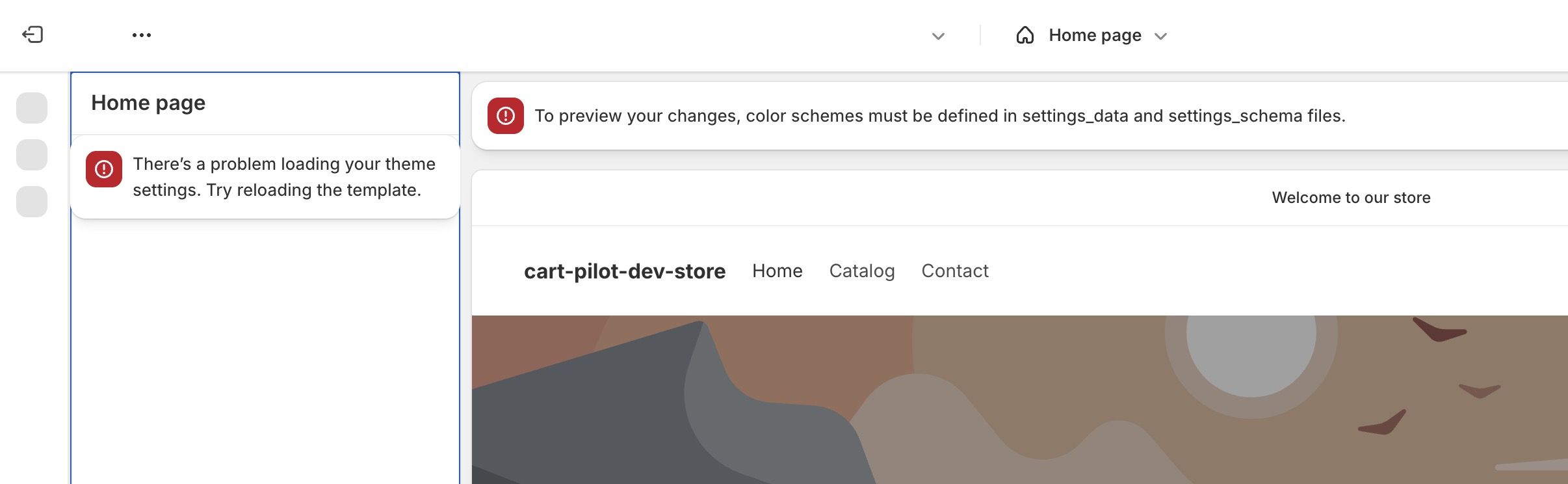
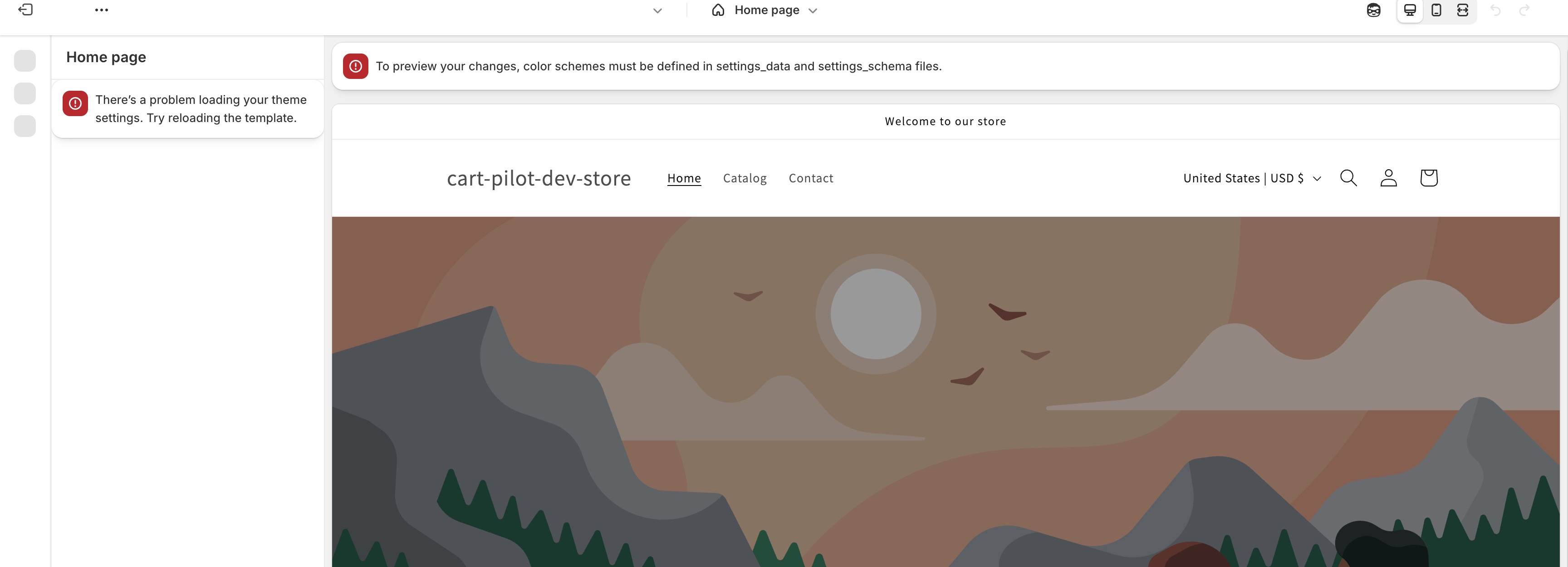
I tried migrating my app and didn’t work well. The app’s screen (the one made with Remix) is broken and the theme doesn’t see the app in the them Customize > App embeds anymore.
I removed Horizon completely and reinstalled it. I don’t see the errors in the first screen of ‘Customize’, but I do see an error in the App embeds screen:
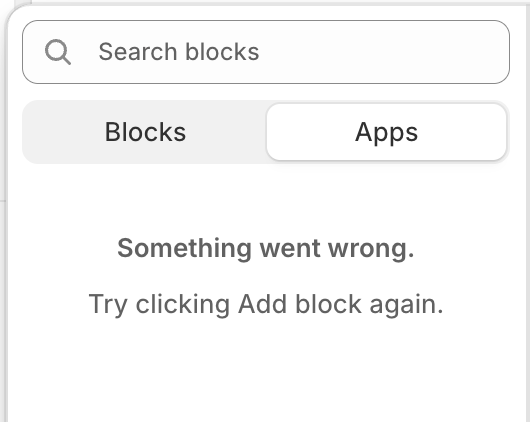
I thought I’ll just remove the app completely from Shopify Partners and deploy a new version 1 of the app (since my app isn’t published at all yet and I am still developing it) but the option of doing that the way it was done is not available anymore. See screenshot:
I’ve set my app to automatically_update_urls_on_dev = true. Everytime, shopify app dev command creates new APP URL, but it does not reflect on .toml file and because of this app preview does not load.
Hi @Bhupendra_Kumar – The new behavior of automatically_update_urls_on_dev is to update the URLs for the app on your dev store, without updating them in the toml. This should not affect the loading of the app preview, as long as you are opening it on your chosen development store.
Can you describe the steps you are taking to get your preview to load?
It gets even worse if I change theme. If I publish Dawn instead of Horizon, I see this error in the very first screen of theme Customize even before my app’s embed is rendered (if I change back to Horizon, I only see the error if I navigate to the App embeds screen):
You should rename file extensions/theme-helper/shopify.theme.extension.toml to extensions/theme-helper/shopify.extension.toml and redeploy the app. It works with me.
I don’t understand. It’s working now. The app preview is working, but the App URL in the console differs from the one specified in shopify.app.toml (APP URL and auth callback URLs).
I feel foolish. I appreciate your response very much. Is this how it is supposed to be?
I READ THIS IN SOME OTHER POST WHERE
You said, “ When used with automatically_update_urls_on_dev, the new app dev command only updates the app URL on your chosen development store. The URL won’t reflect in the app toml or in the dashboard itself. This means that the app is safe to share among a development team, and there’s never any risk of app dev affecting production installs. Does your app function as expected on your dev store? ”
-YES! Does that mean I shouldn’t worry?
Previously, the APP URLs used to change in shopify.app.toml too. My app utilises app proxies, so I constantly need to copy and paste the new APP URL there in the .toml file. Is this a limitation? It would be better if it were updated automatically.
-YES! Does that mean I shouldn’t worry?
Previously, the APP URLs used to change in shopify.app.toml too. My app utilises app proxies, so I constantly need to copy and paste the new APP URL there in the .toml file. Is this a limitation? It would be better if it were updated automatically.
The App URL, redirects, and app proxy should update automatically as before. The differences are:
The update is isolated to your dev store (like all config and extension changes in the new dev)
The dynamic URLs will output in the dev logs and footer
The dynamic URLs will not update in the toml (there’s no reason to commit them to source control)
The dynamic URLs will not reflect in the dashboard (because they only apply to your dev store)
Apologies for the confusion as we didn’t have docs out on this at the start of the rollout. You can read more about the differences in the new app dev here:
In the past I was able do shopify app dev and open the preview in a store that was not the development store. So was I able to test the app in a specific store that belonged to our client.
Now when I scan the preview to install the app and see the new tile in the POS app it does not work.